

A Texas father used a basic parental control feature on his daughter’s smartphone to locate and rescue the 15-year-old after she was abducted on Christmas Eve, an incident that ended with the arrest of a suspect and has renewed attention in the U.S. to the role of location-tracking technology.
According to the Montgomery County Sheriff’s Office, as reported by NBC, the girl disappeared Thursday evening after taking the family dog for a walk in Porter, a town northeast of Houston. When she did not return home, her parents became alarmed and decided not to wait for authorities to arrive.
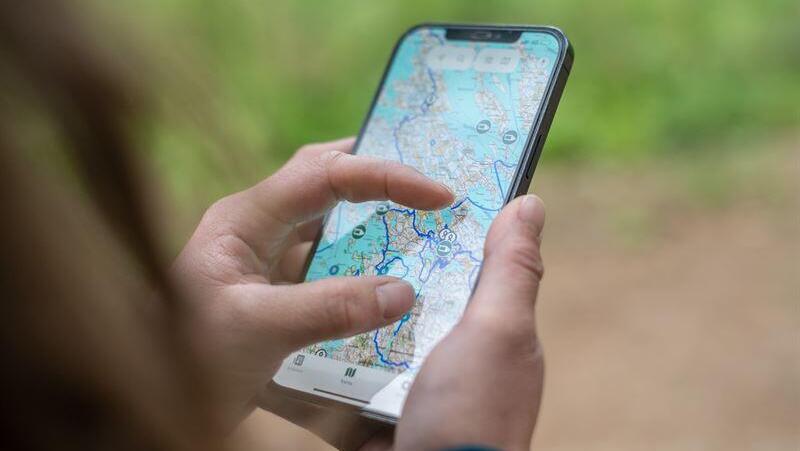
The father activated a tracking application on his phone that was linked to his daughter’s device. The digital location data led him to a wooded and isolated area in neighboring Harris County, about 2 miles from the family’s home. There, authorities said, the father spotted a maroon van. Inside the vehicle he found his daughter and her dog, along with a 23-year-old man who was partially unclothed.
The father removed his daughter from the vehicle and called police. Deputies arrested the suspect, identified as Giovanni Rosales Espinoza. He is charged with aggravated kidnapping and indecency with a child. Investigators said the suspect allegedly threatened the girl with a knife and abducted her from the street. Officials did not specify which tracking application was used. The case has highlighted the widespread use of location services that have become standard for many parents. In the U.S. and Europe, the most common built-in platforms are Apple’s Find My and Google’s Family Link, which allow approved family members to view a child’s location.
These services rely on a combination of GPS signals, Wi-Fi networks and cellular triangulation to determine a phone’s location, often within a few meters. Popular third-party apps such as Life360, which reports millions of active users, also offer real-time location sharing along with features such as alerts for unsafe driving and notifications when a user enters or leaves a designated area, known as geofencing.
Use of such apps is particularly common in the U.S., where long distances and concerns about personal safety in some areas drive adoption. In China, the trend is even more pronounced, with a large market for children’s smartwatches that include GPS tracking and cameras, and monitoring widely accepted as part of modern parenting. In Europe, stricter data protection rules under the European Union’s GDPR limit data collection, though parental control tools are generally permitted with consent for a child’s safety.

The Texas case also underscored the advantages of smartphone-based tracking over external hardware devices such as Apple AirTags. While tracking tags have previously been used to locate lost items and, in some cases, people, they rely on nearby devices to relay their location and may be less effective in remote areas. A smartphone with an active parental control app sends a continuous and more precise signal, which authorities said proved critical in this rescue.
How to set up emergency location tracking
The Texas case serves as a reminder that simple smartphone settings, often overlooked, can make a critical difference in an emergency. Below are basic steps for setting up location tracking and emergency features on common devices used in Israel.
On iPhone (iOS):
Find My:
Make sure all family members are connected through Apple’s Family Sharing feature.
Go to Settings > tap your name > Family Sharing > Location Sharing and confirm that location sharing is enabled for children’s devices.
Emergency SOS calling:
The iPhone allows users to quickly call emergency services and send their location to selected contacts using physical buttons, even when the screen is locked.
Go to Settings > Emergency SOS.
Set up Emergency Contacts in the Health app. When Emergency SOS is activated — either by pressing and holding the side button and a volume button, or by pressing the side button five times quickly, depending on settings — those contacts will receive a text message with the phone’s precise location.
On Android devices:
Family Link:
Google’s most comprehensive parental control app. It must be installed on both the parent’s and the child’s devices. Family Link allows parents to view the child’s real-time location on a map and see the phone’s battery level.
Sharing via Google Maps (quick solution):
If Family Link is not installed — or if the child is over 13, in which case the child must approve Family Link access — a permanent location share can be set up through Google Maps.
On the child’s device:
Open Google Maps > tap the profile picture > Location sharing > Share location > choose “Until you turn this off” and send the link to the parent’s device.
Emergency mode (Android 12 and later):
Go to Settings > Safety and emergency.
Set emergency contacts and make sure Emergency SOS is enabled. The feature is usually activated by pressing the power button five times quickly.
Quick solution via WhatsApp:
For temporary tracking — for example, when a child is returning home late — WhatsApp’s Live Location feature can be used.
In the chat with the parent: tap the plus (+) or paperclip icon > Location > Share live location. The sharing duration can be set for 15 minutes, one hour or eight hours.